Swordstep
Click to play
Press F for fullscreen
Swordstep
ArcadeComments (0)
Login to leave a comment.
No comments yet. Be the first!
About Swordstep
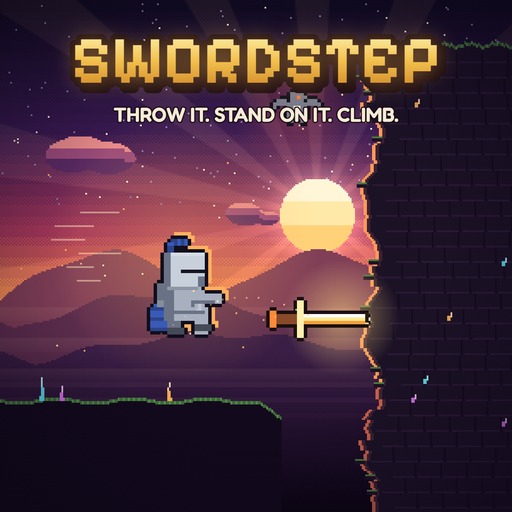
Throw the sword. Climb the tower. Relight the sun. Swordstep is a pixel-art puzzle-platformer with one magic sword: throw it into a wall and stand on it, blink to it, or call it back. Climb, cross and drop through 50 levels in five areas, from candlelit rooftops to a crystal cave and a frozen lake, up to the summit where the sun comes back. Find 150 stars and unlock 18 characters and 9 swords. Plays on desktop and on phones held either way.
How to Play Swordstep
1. Launch the Game
Click the play button above to start Swordstep instantly in your browser — no download or install needed. The game loads in seconds on any device.
2. Learn the Controls
Use arrow keys or mouse for fast-paced arcade action. Timing and reflexes are key to scoring high.
3. Achieve Your Goal
Keep playing Swordstep to improve your high score. Challenge friends to beat your record and leave a rating!
Frequently Asked Questions
Is Swordstep free to play?
Yes, Swordstep is completely free to play on DoxPlay. No download, account, or installation is required — just open the page and click play.
How do I play Swordstep?
Use arrow keys or mouse for fast-paced arcade action. Timing and reflexes are key to scoring high. Click the play button on the game page to start instantly in your browser.
Can I play Swordstep on my phone?
Yes, Swordstep is a browser-based HTML5 game that works on desktop computers, tablets, and mobile phones. No app download is needed.
What type of game is Swordstep?
Swordstep is a arcade game featuring knight, platformer, sword, pixelart elements. You can find more games like it in the Arcade category on DoxPlay.